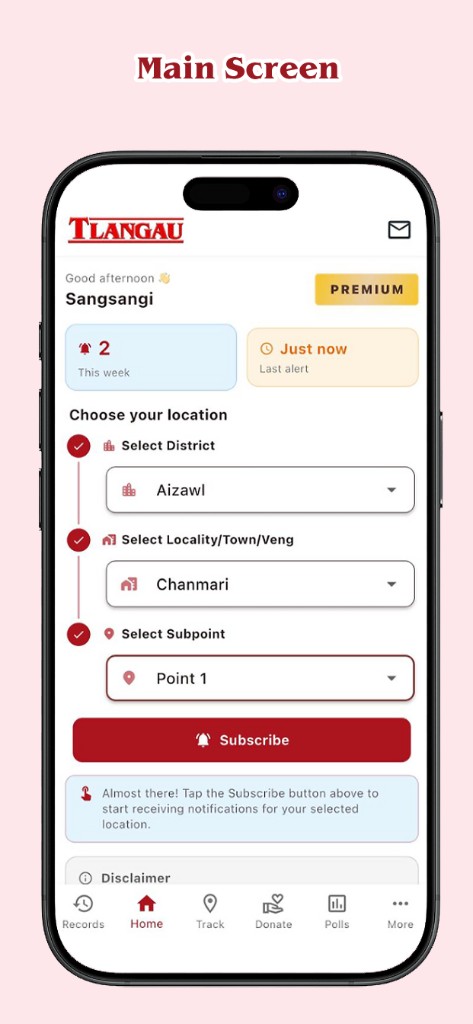
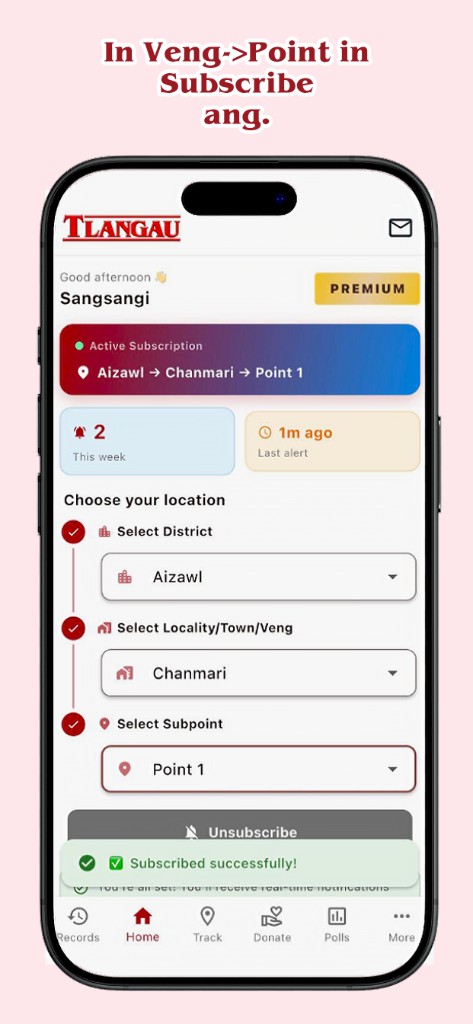
Tlangau is a community waste-management and notification app for neighbourhoods,
villages, and local groups. Work is organised around bundles—groups tied to a place,
ward, or community—so alerts and updates reach the right people on their phones instead of through
scattered calls, chats, or paper notices.
Admin role
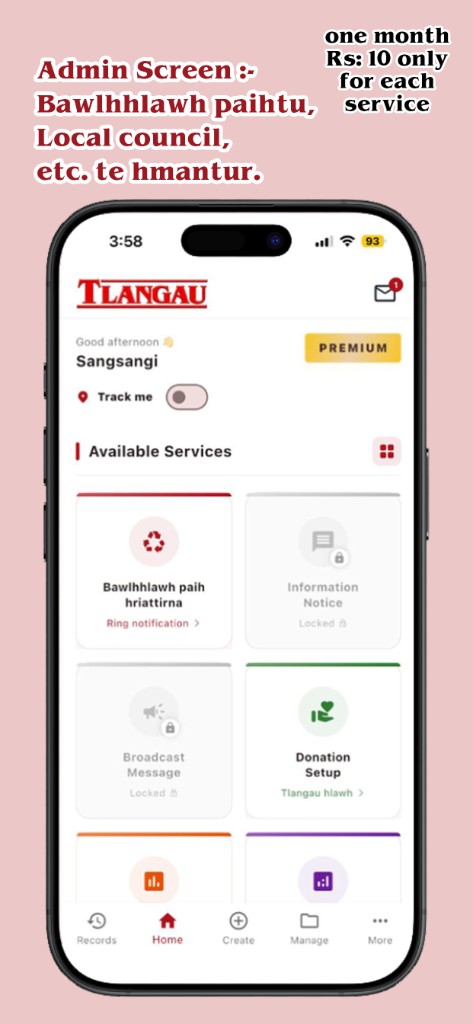
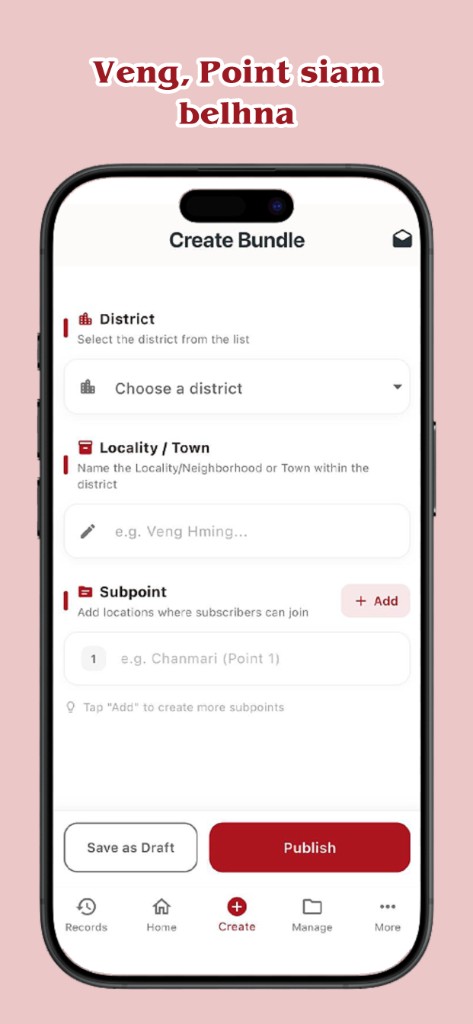
The Admin (server user) runs the community side of Tlangau. Admins create and
manage bundles, send ring alerts and notices, view statistics, run polls, and use the
server dashboard to coordinate waste-collection rounds and local announcements.
Premium subscriptions unlock the paid notification tools below; after purchase and sign-in, the
admin account is verified and dashboard access activates automatically.
Client (Receiver) role
The Client (receiver) is a community member who joins a bundle to receive
notifications on their device. Clients do not need a premium subscription to receive messages sent
by an admin—they get ring alerts, information notices, and broadcasts that apply to their bundle,
and can use free features such as polls and notification history. Clients may browse as a guest or
sign in when the app asks them to; their role is to stay informed, not to send server notifications.
Ring notifications
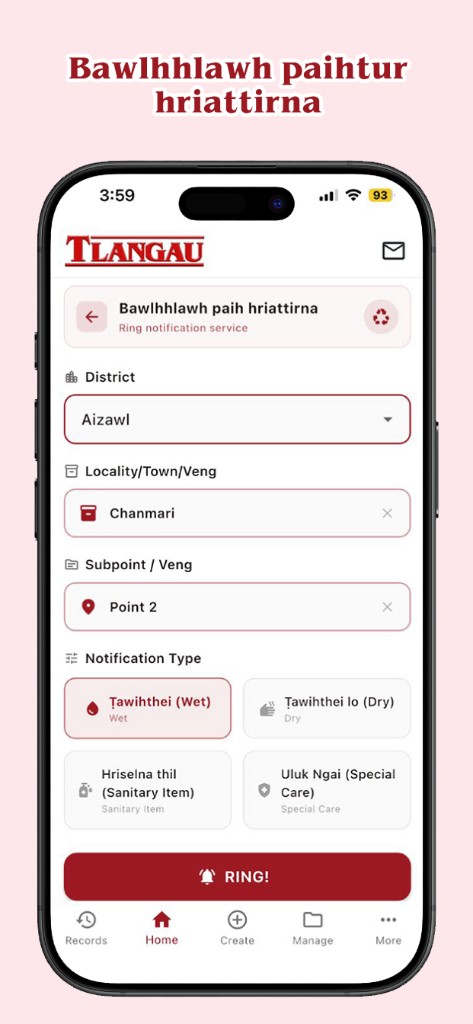
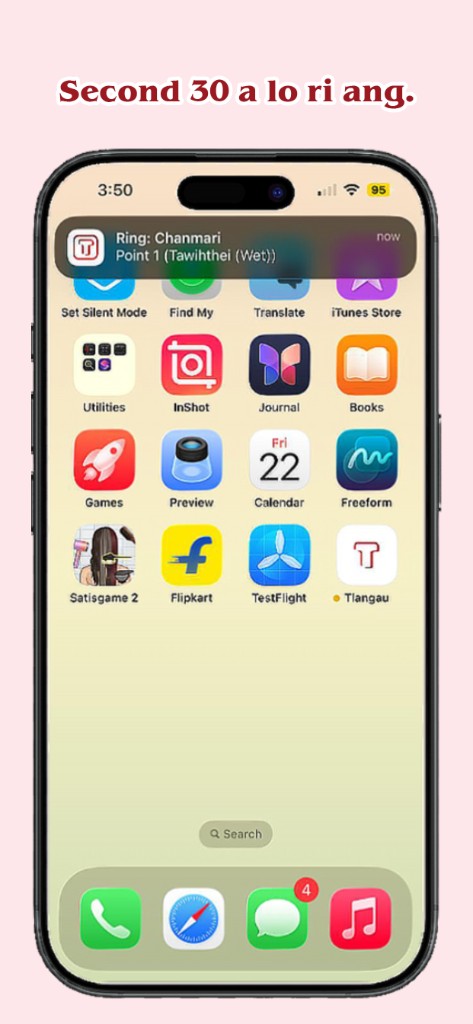
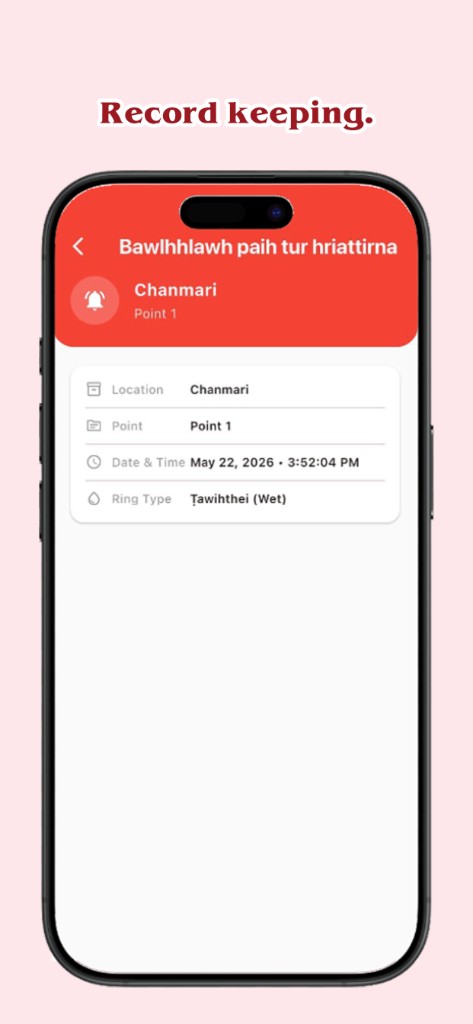
Ring notifications (Bawlhhlawh paih tur hriattirna) are urgent,
ring-style alerts for time-sensitive situations—a same-day collection change, a sudden service
interruption, or any notice that should interrupt and be seen immediately. Admins compose a ring
from the server dashboard; clients in the target bundle receive it as a high-priority notification.
Information notices
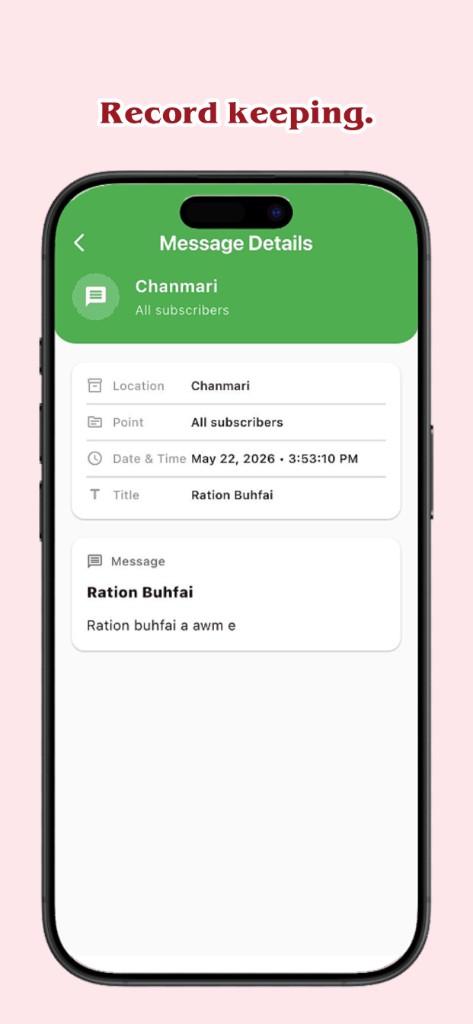
Information notices are structured message notifications for planned updates:
weekly collection timetables, holiday schedules, contact details, or general community information.
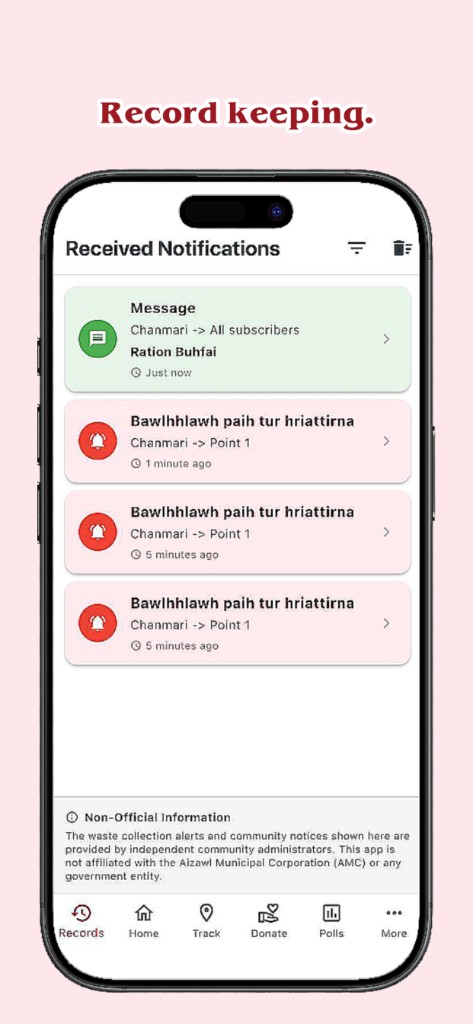
They are meant to be read and kept for reference rather than treated as an emergency ring, and they
appear in the client’s notification records inside the app.
Broadcast messages
Broadcast messages let an admin send one coordinated message to
multiple bundles at once—for example when the same instruction must reach several
wards or villages on the same day. Broadcast is a premium tool for admins who oversee more than one
bundle and need a single send instead of repeating the same notice bundle by bundle.
Statistics & polls (free)
Statistics & insights and community polls are included at no
extra charge. Admins can review engagement and run polls; clients can vote in active polls and see
published results. These features do not require Ring, Message, or Broadcast subscriptions.
Premium pricing & validity (India)
Prices differ by store. On Android (Google Play), each paid service is
₹10/month or ₹100/year (yearly saves 17%); bundle checkout is
₹20/month or ₹200/year for two services, and
₹30/month or ₹300/year for all three. On
iOS (App Store), each service is ₹29/month or
₹199/year; bundles are ₹49/month or ₹399/year (two
services, save 33%) and ₹99/month or ₹599/year (three services,
save 50%); a single yearly service saves 43%. Monthly plans are valid for 30 days
per subscribed service; yearly plans are valid for 365 days. Renewals stack on any
time already remaining on your account.
How to purchase (Admin)
Premium is bought inside the app, not on this website. (1) Install Tlangau from
Google Play (Android) or the App Store (iPhone).
(2) Open More → Tlangau Premium. (3) Choose monthly or yearly,
select the services you need (Ring, Message, Broadcast—or a bundle), and complete payment in the
store. (4) Sign in as Admin with the same account used for the purchase—
Google on Android or Sign in with Apple on iPhone.
(5) After verification, the server dashboard unlocks and your selected services stay active for the
plan period above. Use Restore purchases on iOS or the same store account on
Android if you reinstall or change devices.